
Working with sensitive legal documents means handling a lot of confidential information. From client contracts and case files to financial records and personal details, the data entrusted to legal professionals is often highly sensitive. Protecting this information from unauthorized access, data breaches, or accidental disclosure is not just good practice; it's a professional and ethical obligation.
As someone who has spent years building and securing software systems, I've seen firsthand how crucial robust data protection measures are. Implementing effective encryption for legal files is a cornerstone of maintaining client trust and adhering to stringent regulatory requirements. It’s about more than just a password; it involves understanding different encryption methods and applying them consistently.
Table of Contents
Understanding the Basics of Document Encryption
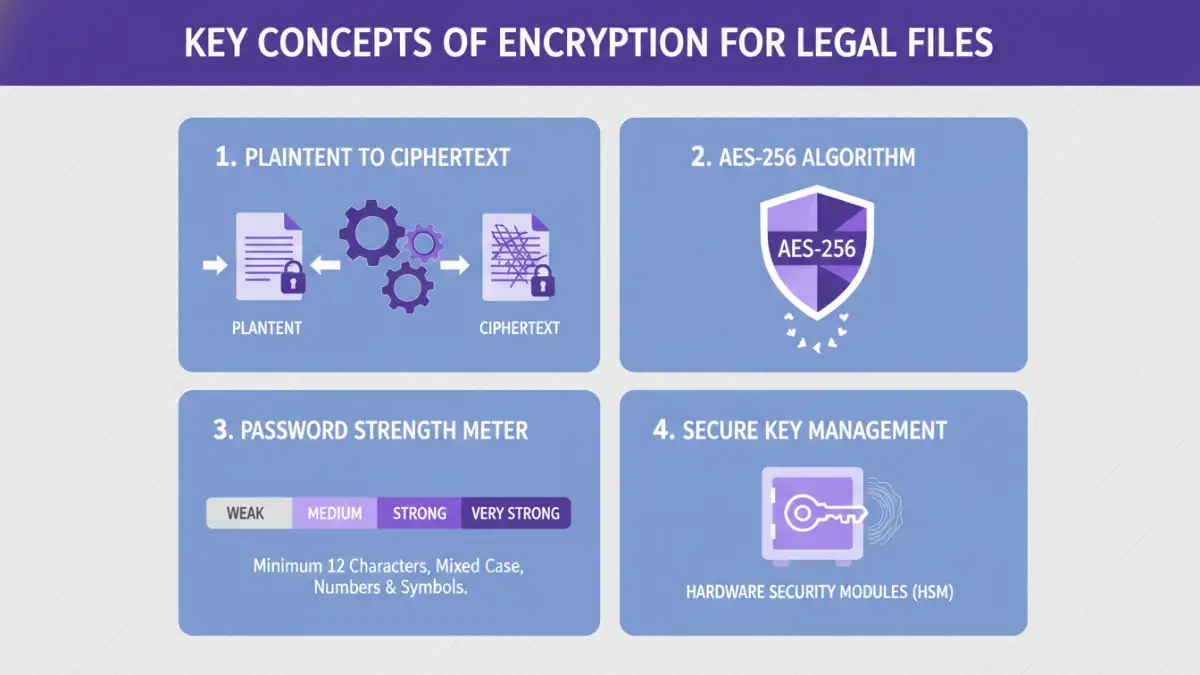
At its core, encryption is the process of converting readable data into an unreadable format, known as ciphertext. This transformation is achieved using complex algorithms and a secret key. Only someone with the correct key can decrypt the ciphertext back into its original, readable form. This ensures that even if a file falls into the wrong hands, the data remains unintelligible without the decryption key.
Why is Encryption Crucial for Legal Data?
Legal professionals handle information that, if compromised, could lead to severe consequences. This includes client confidentiality, attorney-client privilege, and sensitive financial details. Encryption acts as a vital barrier, preventing unauthorized parties from accessing this information. It's a fundamental component of maintaining law firm compliance with data protection regulations like GDPR or HIPAA, which often mandate strong security measures for sensitive data.
Methods for Encrypting Legal Files
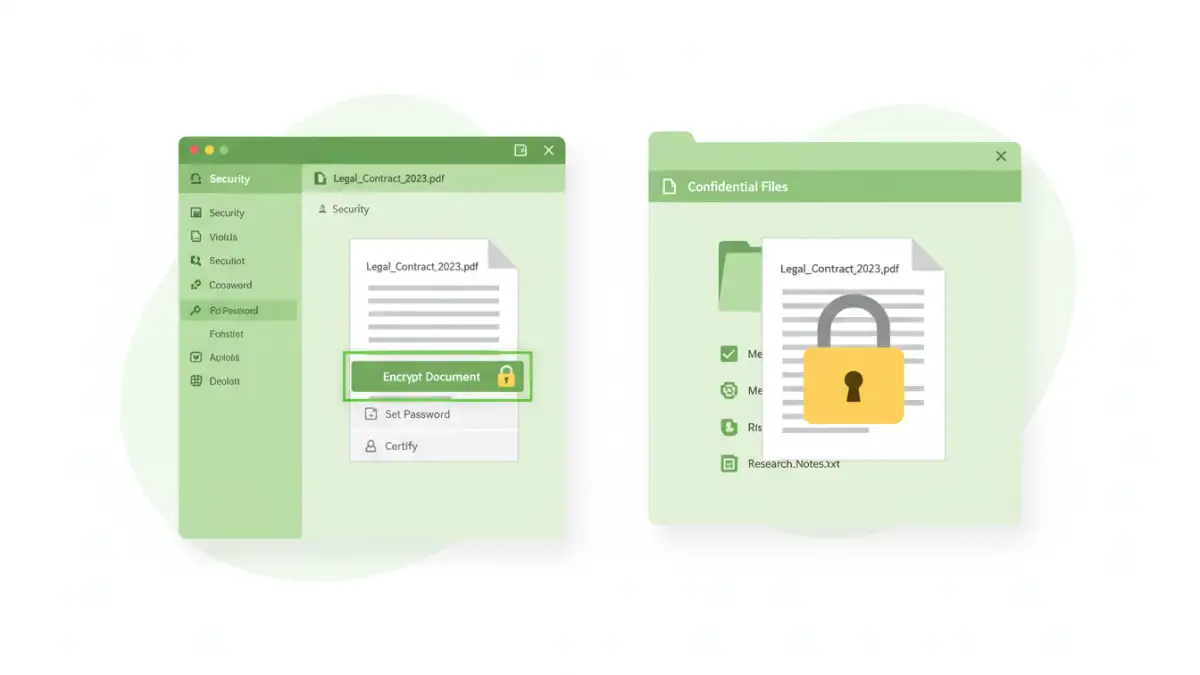
There are several ways to implement sensitive document encryption, ranging from built-in operating system features to dedicated software solutions. Each method has its own strengths and is suited for different scenarios.
Using Built-in Operating System Features
Both Windows and macOS offer native encryption capabilities. On Windows, tools like BitLocker can encrypt entire drives, while individual files or folders can be protected using the Encrypting File System (EFS). For Mac users, FileVault encrypts the entire startup disk, and you can also create encrypted disk images using Disk Utility.
Leveraging Document Software Encryption
Many popular document creation suites, such as Microsoft Office (Word, Excel, PowerPoint) and Adobe Acrobat (for PDFs), have built-in password protection and encryption features. These allow you to set a password directly when saving a document, ensuring that it can only be opened by someone who knows the password. This is a straightforward way to add a layer of security to individual files.
Employing Third-Party Encryption Tools
For more advanced security needs or batch processing, third-party encryption software is an excellent option. Tools like VeraCrypt, 7-Zip, or AxCrypt offer robust encryption algorithms (like AES-256) and provide features such as creating encrypted containers, encrypting files and folders, and secure deletion of original files. These tools often provide stronger encryption and more granular control over security settings.
Choosing the Right Encryption Method
The best method for encrypting legal files depends on your specific needs, the sensitivity of the data, and your technical comfort level. For everyday documents, the built-in features of your office suite might suffice. If you need to protect an entire drive or a collection of sensitive files, BitLocker or FileVault are good choices.
For highly sensitive data, or when sharing files with external parties, specialized third-party tools offer superior protection and flexibility. Always consider the strength of the encryption algorithm supported by the tool and the ease of use for both encryption and decryption. A complex process can lead to errors or frustration, potentially undermining security if users bypass it.
Best Practices for Secure Legal Data
Beyond just encrypting files, a comprehensive approach to secure legal data involves several best practices. Strong, unique passwords are the first line of defense for any encrypted file. Avoid simple or easily guessable passwords and consider using a password manager to generate and store complex credentials securely.
Regularly update your encryption software and operating system to patch any vulnerabilities. Implement access controls, granting access only to those who absolutely need it. Furthermore, establish clear policies for data handling, encryption, and password management for all staff within the firm. Training your team on these procedures is critical for effective implementation and maintaining law firm compliance. Proper handling of encryption keys and secure disposal of old hardware are also vital components of a robust security posture.
Comparison of Encryption Methods for Legal Files
| Method | Pros | Cons | Best For |
|---|---|---|---|
| Built-in OS Encryption (BitLocker, FileVault) | System-wide protection, seamless integration | May require specific OS versions or hardware support; primarily for drive encryption | Full disk protection, securing entire systems |
| Document Software Encryption (Office, PDF) | Easy to use, file-specific protection, widely compatible | Relies on user-set passwords; can be vulnerable to brute-force attacks with weak passwords | Individual document security, quick protection |
| Third-Party Tools (VeraCrypt, 7-Zip, AxCrypt) | Strong encryption algorithms (AES-256), versatile (containers, file/folder encryption), advanced features | May require software installation, potential learning curve, some advanced features may be paid | High-sensitivity data, batch encryption, secure containers |
| Cloud Storage Encryption (e.g., Box, Dropbox with E2EE options) | Automatic syncing and backup, accessible from anywhere | Reliance on provider's security; end-to-end encryption (E2EE) not always default or available | Collaborative work, remote access with security |