
Working with password-protected documents can be frustrating, especially when those passwords are forgotten or belong to systems no longer in use. Many of us have encountered old files—perhaps from previous jobs, personal projects, or inherited archives—that hold valuable information but are locked behind an unknown password. The challenge intensifies when the original software used to create or protect the file is obsolete.
Recovering access to these digital relics isn't always straightforward, but with the right approach, it's often possible. This involves understanding the nature of the protection, the file type, and the available tools. My experience has shown that a systematic approach, combining patience with the right techniques, can unlock even seemingly inaccessible historical document recovery.
Table of Contents
Understanding the Basics of File Protection
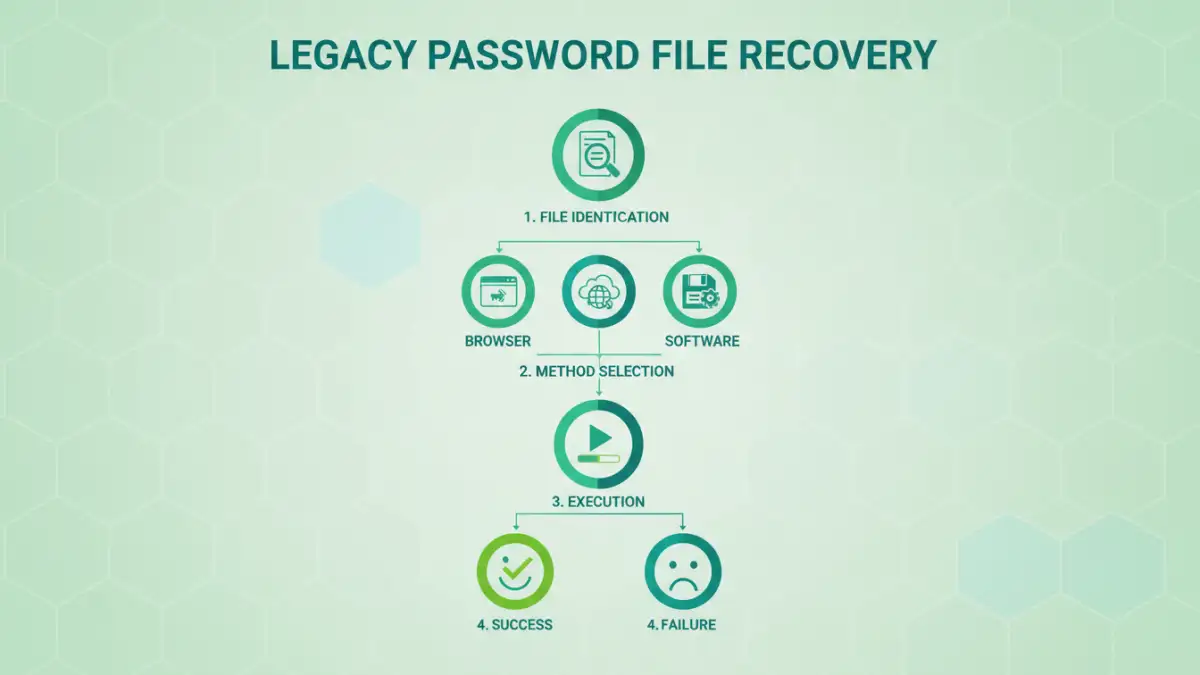
File protection methods have evolved significantly. Early systems often used simpler encryption or password prompts built directly into applications like Microsoft Office or Adobe Acrobat. These were often based on algorithms that are now considered less secure but can still be challenging to bypass without the correct password. Understanding the file type (e.g., .doc, .xls, .pdf, .zip) is the first step, as different formats employ different protection mechanisms.
Types of Password Protection
Broadly, password protection can be categorized into two main types: user passwords (which prevent opening the file) and owner passwords (which restrict editing or printing). Some older file formats or archive types might use proprietary encryption methods that are harder to crack. Identifying which type of protection is in place can guide your recovery strategy.
Common Recovery Methods
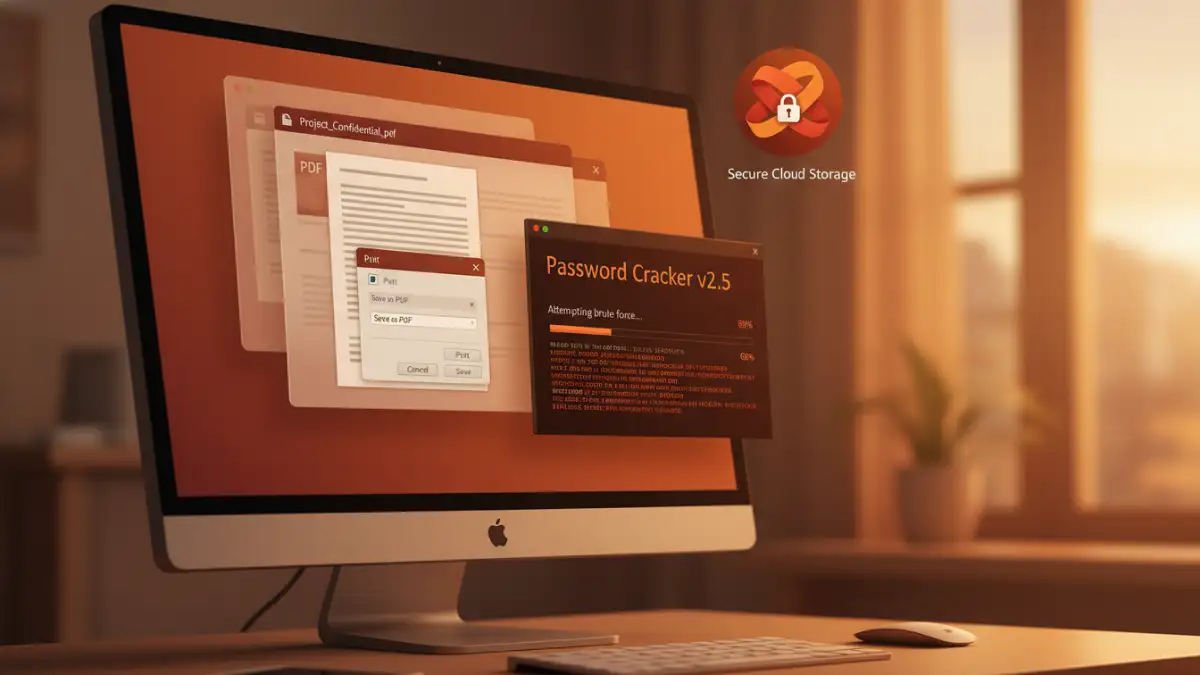
For many common file types, especially those protected by older versions of popular software, there are established methods. One surprisingly effective technique, particularly for some PDF files, involves using the 'Print' function within specific browsers. If the file is protected by an owner password (allowing it to be opened but not edited), printing it to a new PDF can sometimes strip the restrictions.
The Browser Trick for PDFs
Open the password-protected PDF in a compatible web browser (like Chrome or Edge). If the browser can open it, go to the 'Print' option. Instead of selecting a physical printer, choose 'Save as PDF' or 'Microsoft Print to PDF'. This process essentially re-creates the document, and in many cases, the new PDF will not retain the editing or printing restrictions. This method is particularly useful for archive file unlock scenarios where only owner permissions were set.
Online File Recovery Tools
Numerous online services specialize in password recovery for various file types. These tools often use brute-force or dictionary attacks, attempting thousands or millions of password combinations. While convenient and often free for basic use, users must exercise caution. Uploading sensitive documents to third-party websites carries inherent privacy risks. Always research the reputation and security practices of any online service before using it.
Advanced Techniques and Tools
When simpler methods fail, more advanced techniques come into play. This often involves specialized desktop software designed for password recovery. These programs can perform more sophisticated brute-force attacks, leveraging your computer's processing power to try a vast array of password possibilities over an extended period. The success rate depends heavily on the complexity of the original password and the strength of the encryption used.
Desktop Software Solutions
Programs like Passware Kit, Elcomsoft Forensic Disk Decryptor, or various zip/rar password recovery tools offer robust solutions. They often support a wide range of file formats and encryption algorithms. Some advanced tools even utilize GPU acceleration to speed up the cracking process significantly. While these tools can be powerful, they often come with a cost, and their effectiveness is not guaranteed, especially against strong, complex passwords.
For truly legacy password file recovery, especially for custom or proprietary formats, the process can become much more involved. It might require reverse-engineering the protection mechanism or even seeking out specialized data recovery services. These services have the expertise and tools to tackle highly complex cases but are typically expensive.
Preventative Measures for the Future
The best approach to dealing with forgotten passwords is to prevent the situation. Implementing a reliable password management system is crucial. Use a strong, unique password for each important file and store these passwords securely in a reputable password manager. Regularly update your passwords and consider backing up important, unencrypted versions of your files in a secure, accessible location, clearly labeled.
When encrypting files, always document the password used and store it in a safe, accessible place. This could be a secure digital vault or even a physical, fireproof safe for extremely critical data. Taking these steps can save significant time and frustration when you need to access historical document recovery in the future.
Comparison Table: Password Recovery Methods
| Method | Pros | Cons | Best For |
|---|---|---|---|
| Browser Print Trick (PDF) | Free, no software required, quick for owner passwords | Only works for specific PDF restrictions, doesn't recover user passwords | Removing edit/print restrictions on PDFs |
| Online Recovery Tools | Convenient, accessible from anywhere, often free for basic use | Privacy concerns, potential malware risk, limited success with strong passwords | Non-sensitive files, unknown simple passwords |
| Desktop Recovery Software | Powerful, supports many file types and encryption levels, can be faster with GPU | Often paid, requires installation, can take a very long time for strong passwords | Complex password recovery, sensitive but necessary data |
| Professional Data Recovery Services | Highest success rate for extremely complex or damaged files | Expensive, time-consuming, requires trust in a third party | Critical data with no other recovery options |