
I recently encountered a situation where a client's critical historical data, stored in various older file formats, was at risk due to outdated security measures. It's a common challenge many organizations face: how do you protect information living in formats that predate modern cybersecurity standards, ensuring robust old file protection?
This isn't just about obscure formats; it includes older versions of common documents like Word, Excel, or even proprietary software files from years ago. Ensuring their safety requires a thoughtful approach, balancing accessibility with stringent security.
Table of Contents
Understanding the Unique Challenges
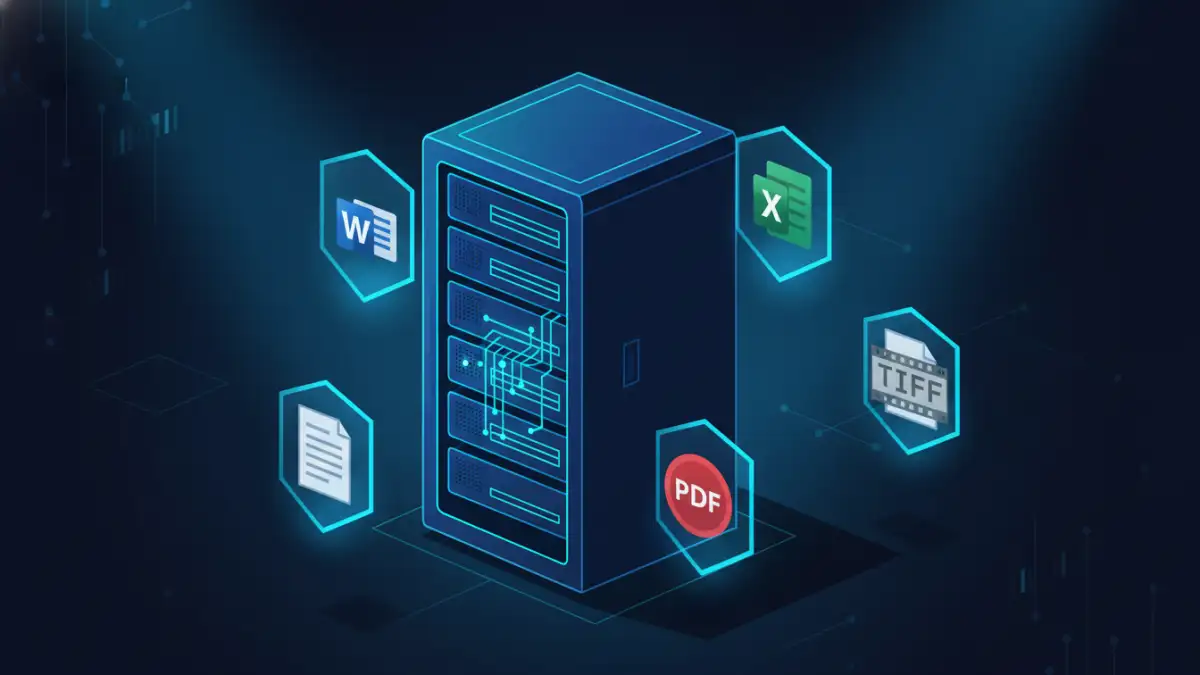
Securing files created years or even decades ago presents a distinct set of hurdles compared to contemporary data. These formats were often developed without today's pervasive cyber threats in mind, leading to inherent vulnerabilities.
My work has often involved forensic analysis of such systems, revealing how easily these older files can be compromised if not addressed proactively. It's a critical area that often gets overlooked in broader cybersecurity initiatives.
The Nature of Legacy Formats
Legacy formats encompass a wide range of file types, from ancient word processor documents (like WordPerfect or older Microsoft Word versions) to specialized CAD files or database backups. Many rely on proprietary encoding schemes that might not be fully understood or supported by modern security tools.
They often lack modern encryption capabilities or robust digital signatures. This means their integrity and confidentiality can be difficult to verify or protect using standard methods.
Common Vulnerabilities
One primary vulnerability stems from their reliance on outdated software. Running old applications on modern, patched operating systems can introduce compatibility issues or open up new attack vectors. Alternatively, maintaining old, unpatched systems solely for accessing these files creates significant security gaps.
Another common issue is the absence of strong, built-in access controls. Many older formats only offer basic password protection, which can be easily circumvented by modern cracking tools, or lack any form of encryption at all.
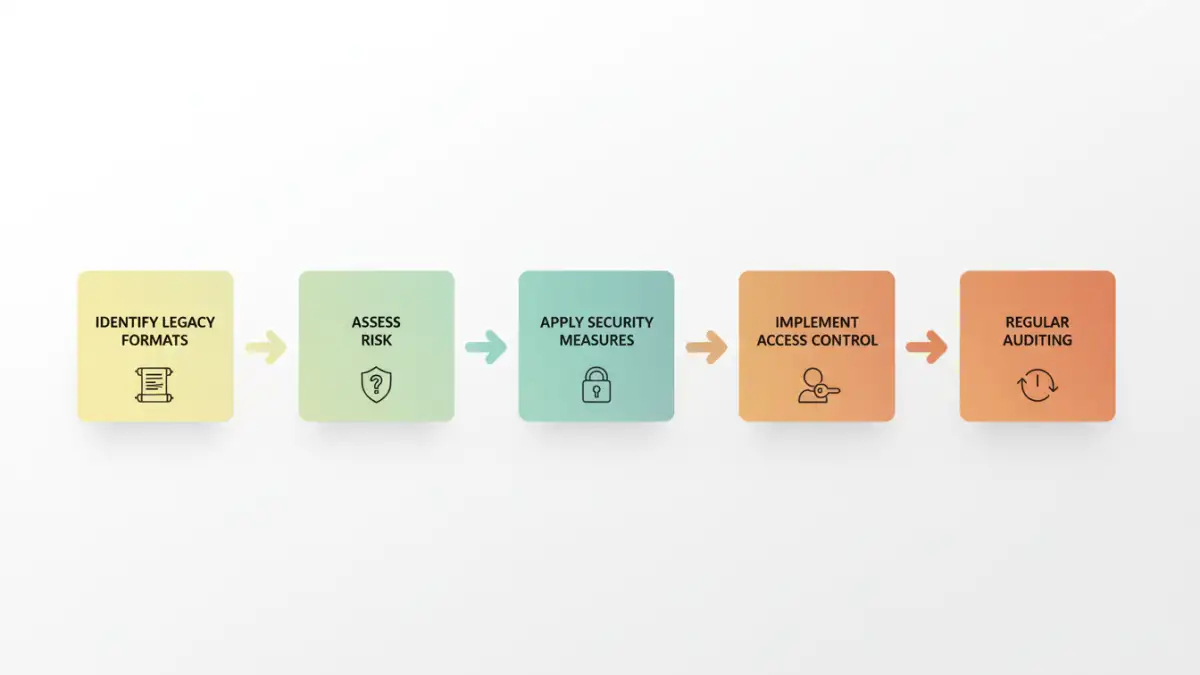
Core Strategies for Legacy Document Security
When approaching legacy document security, the first step is always an assessment: what do you have, where is it, and how sensitive is it? From there, a strategy can be formed, often involving a mix of migration and in-situ protection.
I've seen organizations default to one approach, only to find it unsuitable. A balanced, adaptable strategy is key to long-term success in archive document safety.
Data Migration vs. In-Situ Protection
Data migration involves converting legacy files into modern, more secure formats (e.g., older Word docs to current DOCX, or proprietary images to standard TIFF/JPEG). This can significantly improve security by leveraging modern encryption and access controls inherent in new formats.
However, migration isn't always feasible due to compatibility loss, legal requirements to maintain original formats, or the sheer volume of data. In such cases, in-situ protection focuses on securing the legacy files within their existing format and environment.
Access Control and Permissions
Regardless of whether you migrate or protect in-situ, strict access control is paramount. This means implementing the principle of least privilege: only authorized personnel should have access to legacy documents, and only to the extent necessary for their role.
Leverage modern access control lists (ACLs) on file shares or document management systems. For very sensitive data, consider separate, isolated environments with multi-factor authentication (MFA) to restrict entry.
Tools and Techniques for Old File Protection
Even for older formats, there are specific tools and techniques that can bolster security. It's about layering protection and sometimes thinking outside the box for specialized format security.
My experience has shown that a combination of standard IT practices and specialized approaches yields the best results for safeguarding these valuable archives.
Encryption for Older Files
While legacy formats might lack built-in strong encryption, you can apply it at the container or storage level. Encrypting the entire drive, folder, or even using encrypted archives (like password-protected 7z or ZIP files with strong algorithms) can protect the content.
Tools like VeraCrypt or BitLocker can encrypt entire volumes where legacy files reside. For individual files, consider using modern PDF converters that can apply strong encryption and password protection to exported versions, while keeping the original secure.
Specialized Format Security Solutions
For highly specialized legacy formats, you might need industry-specific solutions. Some vendors offer security plugins or conversion tools designed to handle older proprietary files securely. This is particularly true in sectors like engineering, healthcare, or legal.
In cases where no modern tool exists, isolating the legacy viewing/editing environment on a virtual machine, air-gapped from the main network, can be a pragmatic, if resource-intensive, solution. This minimizes the attack surface significantly.
Establishing Robust Archive Document Safety
Securing legacy documents isn't a one-time task; it requires ongoing vigilance and adherence to best practices. A comprehensive approach ensures long-term archive document safety and compliance.
Through various projects, I've learned that consistency and clear policies are more effective than sporadic, reactive measures. This proactive stance is essential for any valuable data.
Regular Auditing and Policy Review
Periodically audit access logs for legacy documents and review who has permissions. Ensure that policies for handling these files are clear, communicated, and regularly updated to reflect new threats or compliance requirements.
An audit should also check the integrity of backups and the effectiveness of encryption. This helps identify potential weaknesses before they can be exploited, ensuring continuous legacy document security.
Disaster Recovery Planning
A robust disaster recovery plan is critical for legacy data. This includes regular, encrypted backups of the files themselves, along with the necessary software and operating systems required to access them.
Test your recovery plan periodically to ensure that in the event of data loss or system failure, you can still access and restore your legacy documents efficiently and securely. This foresight can save immense time and resources during a crisis.
Comparison Table
| Method | Pros | Cons | Best For |
|---|---|---|---|
| Data Migration | Leverages modern security, improved compatibility | Potential data loss, resource-intensive, legal/compliance hurdles | Active legacy data, long-term use |
| Container Encryption | Strong encryption, protects entire folders/drives | Requires user discipline, potential performance overhead | Static archives, sensitive collections |
| Access Control (ACLs) | Granular permissions, easily manageable | Relies on OS/DMS security, doesn't encrypt content | Shared network drives, controlled environments |
| Isolated Environments | High security, minimal external exposure | Resource-intensive, complex setup/maintenance | Extremely sensitive proprietary formats |