
Working with password-protected documents can be frustrating, especially when you forget the password. It’s a common scenario: you’ve secured a sensitive file, perhaps for a client or personal records, only to find yourself locked out later. The good news is that with the right approach, you can often recover access without resorting to risky methods that could corrupt your data.
My own experience has shown me that while some encryption is robust, there are legitimate ways to regain access to your files. The key is to understand the different types of protection and the tools available, always prioritizing the integrity of your original document.
Table of Contents
Understanding Document Protection
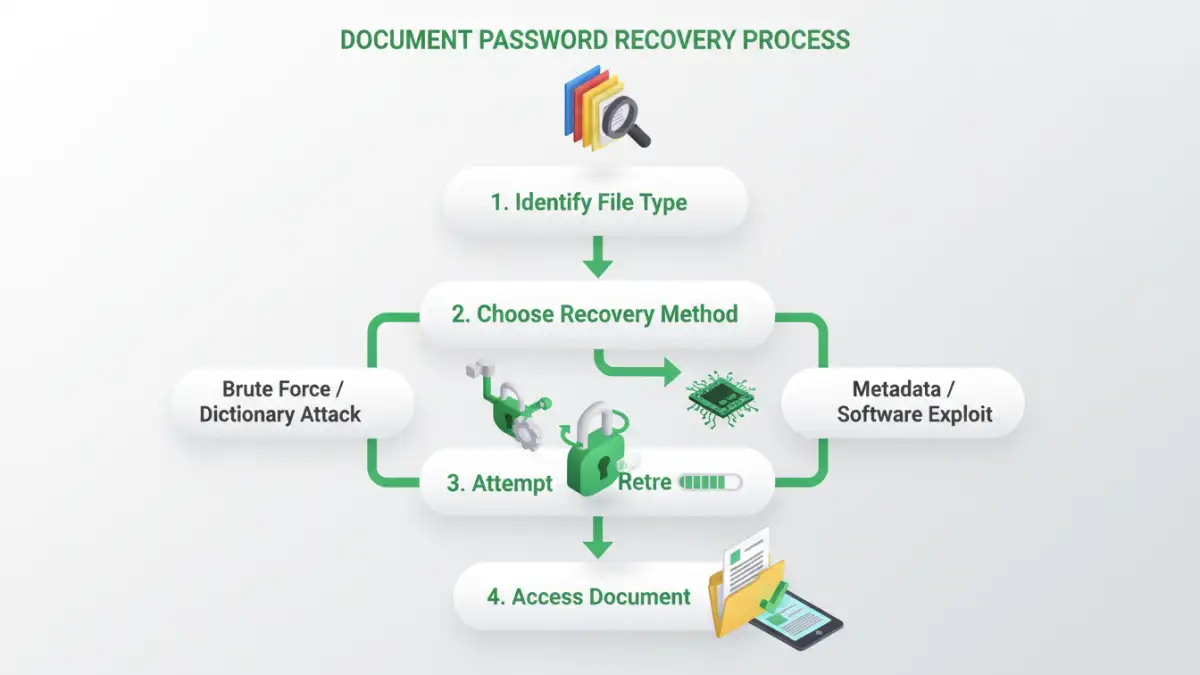
Before diving into recovery, it's crucial to understand how documents are protected. Most common applications, like Microsoft Office or Adobe Acrobat, use built-in encryption mechanisms. These vary in strength, from simple password prompts to more complex algorithms that make brute-force attacks difficult.
Types of Document Passwords
Generally, you'll encounter two main types of passwords. The first is a password to open the document, which prevents anyone from viewing its content. The second is a password to modify or edit the document, allowing viewing but restricting changes. Understanding which type you're dealing with can influence the recovery approach.
Common Recovery Methods
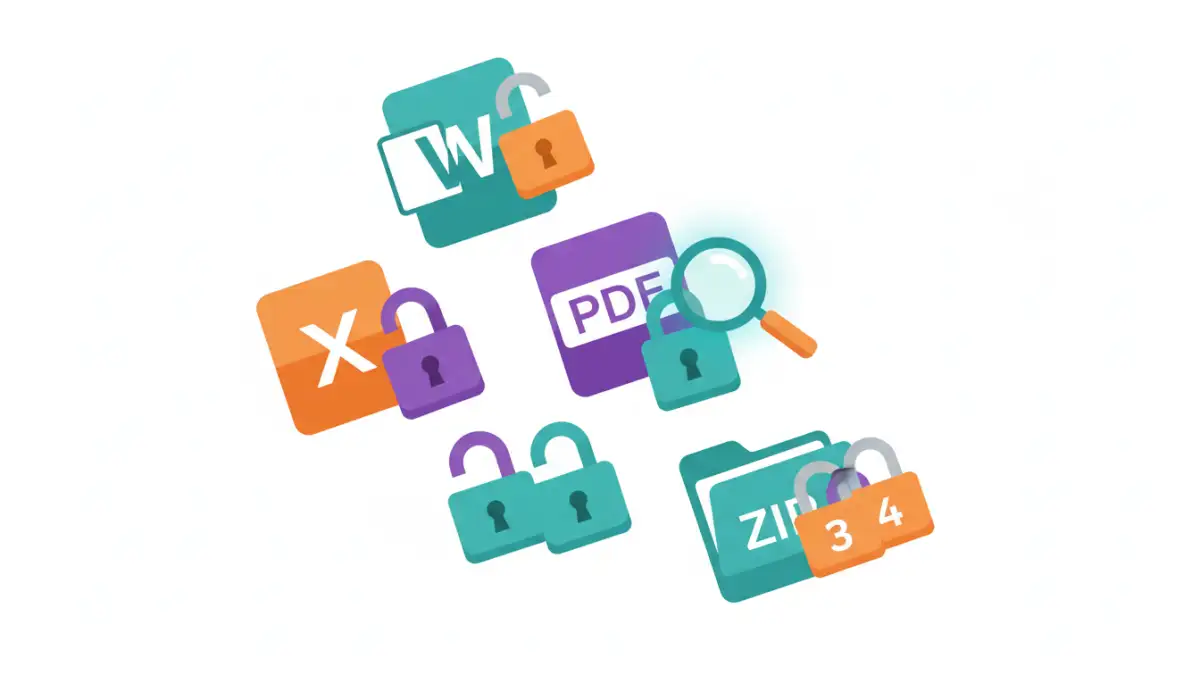
When you need to recover document password access, several methods can be employed. These range from simple workarounds for less secure files to specialized software for more robust protection. Always start with the least invasive methods to ensure your data remains intact.
Using Online Tools
For many common file types, particularly PDFs and older Microsoft Office documents, online password recovery tools can be surprisingly effective. These services typically work by attempting to guess the password through various algorithms or by exploiting known vulnerabilities in older encryption standards. It's vital to use reputable services, as uploading sensitive documents to unknown websites carries privacy risks.
Desktop Software Solutions
For stronger encryption or when online tools fail, dedicated desktop software offers more power and control. These applications often employ brute-force attacks, dictionary attacks, or hybrid methods to systematically try combinations until the correct password is found. Some software can also utilize GPU acceleration to speed up the process significantly. Remember, the time required can vary drastically depending on the password's complexity and the encryption strength.
Browser-Based Workarounds
In some specific cases, particularly with older PDF protection methods, a simple workaround might suffice. For instance, if a document is protected from printing but not from opening, you might be able to 'print' it to a new PDF using a virtual printer driver. This effectively creates a new, unprotected copy. This method is less about password recovery and more about bypassing certain restrictions.
Advanced Techniques and Considerations
When standard methods don't yield results, or if you're dealing with highly sensitive data, advanced techniques might be necessary. These often involve a deeper understanding of file structures and encryption protocols. It's important to approach these with caution, as improper handling can lead to data corruption.
Understanding Limitations
It's essential to set realistic expectations. Modern, strong encryption, especially with complex passwords, can be virtually impossible to break through automated means within a reasonable timeframe. If the password is long, uses a mix of characters, and employs strong encryption, recovery might not be feasible without knowing the password.
When to Seek Professional Help
For critical business data or extremely sensitive personal files, if self-recovery attempts fail, consider professional data recovery services. These specialists have advanced tools and expertise to handle complex cases, though they often come with a significant cost. They can also provide assurances regarding data privacy.
Prevention and Best Practices
The best approach to forgotten passwords is to prevent the situation altogether. Implementing good password management practices from the start can save a lot of trouble down the line. This involves creating strong, unique passwords and storing them securely.
Secure Password Management
Using a reputable password manager is one of the most effective ways to manage your document passwords. These tools generate strong, unique passwords for each file or service and store them in an encrypted vault, accessible with a single master password. This eliminates the need to remember dozens of complex passwords.
Document Security Strategies
Beyond passwords, consider other security measures. For highly sensitive information, file-level encryption using tools like VeraCrypt or BitLocker (on Windows) can provide an extra layer of security. Regular backups are also crucial, ensuring you have a copy of your data even if an original file becomes inaccessible due to forgotten passwords or other issues.
Comparison Table: Document Password Recovery Methods
| Method | Pros | Cons | Best For |
|---|---|---|---|
| Online Tools | Convenient, no installation needed, often free | Privacy concerns, limited file types, may not work for strong encryption | Quick recovery for common file types (e.g., older PDFs) |
| Desktop Software | Powerful, handles various encryption types, faster with GPU | Requires installation, can be costly, may take time for complex passwords | Recovering passwords for Office documents, archives, and strong encryption |
| Browser Workarounds | No extra tools needed, quick for specific restrictions | Limited application, only bypasses certain restrictions, not true password recovery | Circumventing print/edit restrictions on some PDFs |
| Password Managers | Secure storage, auto-generation, simplifies management | Requires initial setup, subscription costs for premium features | Preventing forgotten passwords for long-term security |