Imagine the joy of sharing your beautiful wedding photos with friends and family, only to worry about them falling into the wrong hands or being misused. This is a common concern I've encountered with clients and even in my own circle. While social media and cloud links offer convenience, they often lack the granular control needed for truly private and secure distribution. This is where a robust solution like PDF encryption shines, providing a reliable way to safeguard those precious memories.
Table of Contents
The Challenge of Digital Memories
Wedding photos are incredibly personal and hold immense sentimental value. When you share them digitally, you want to ensure they are seen only by your intended audience. Unfortunately, simply uploading them to a public or semi-public platform can expose them to wider distribution than you might intend, leading to potential privacy breaches or unauthorized use.
Why Traditional Sharing Falls Short
Email attachments can be intercepted, and links to cloud storage albums might be inadvertently shared beyond your control. While many platforms offer privacy settings, they often rely on the end-user to maintain that privacy, which isn't always reliable. Once a photo is out there, it's very difficult to retrieve or restrict its spread, making initial security paramount for wedding photo security.
PDF Encryption: A Robust Solution
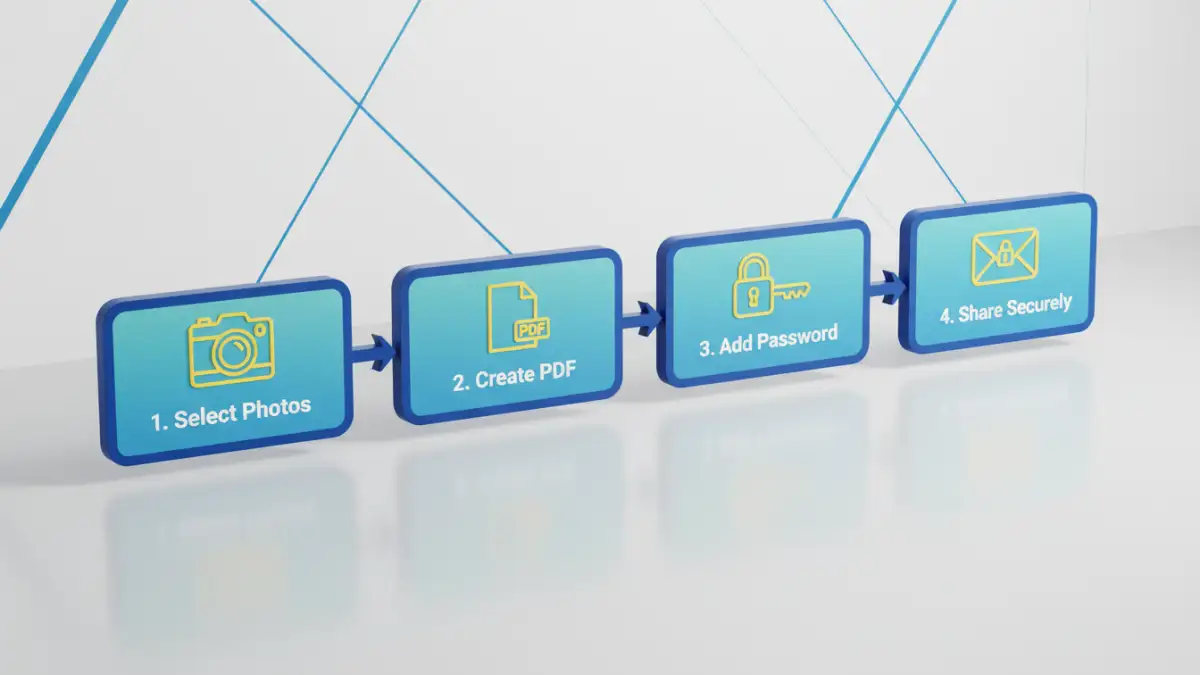
This is precisely why I advocate for using PDF encryption for sharing sensitive photos. A PDF can act as a secure container for your images, bundling them into a single file that can be password-protected. This method gives you direct control over who can open and view the photos, adding a critical layer of security to your digital memories.
How PDF Encryption Works
PDF encryption typically involves two types of passwords: an "owner" password and a "user" password. The user password is what recipients need to open and view the document. The owner password, which you keep, allows you to set permissions like preventing printing, copying text, or even extracting images. This dual-layer approach provides excellent control over your content, making it a powerful tool for secure photo sharing pdf.
Implementing Secure Photo Sharing PDF
There are several ways to create password-protected PDFs containing your wedding photos. The method you choose might depend on the tools you have available and the level of security you need. I've used various approaches over the years, from professional software to simple built-in options.
Using Adobe Acrobat or Similar Professional Tools
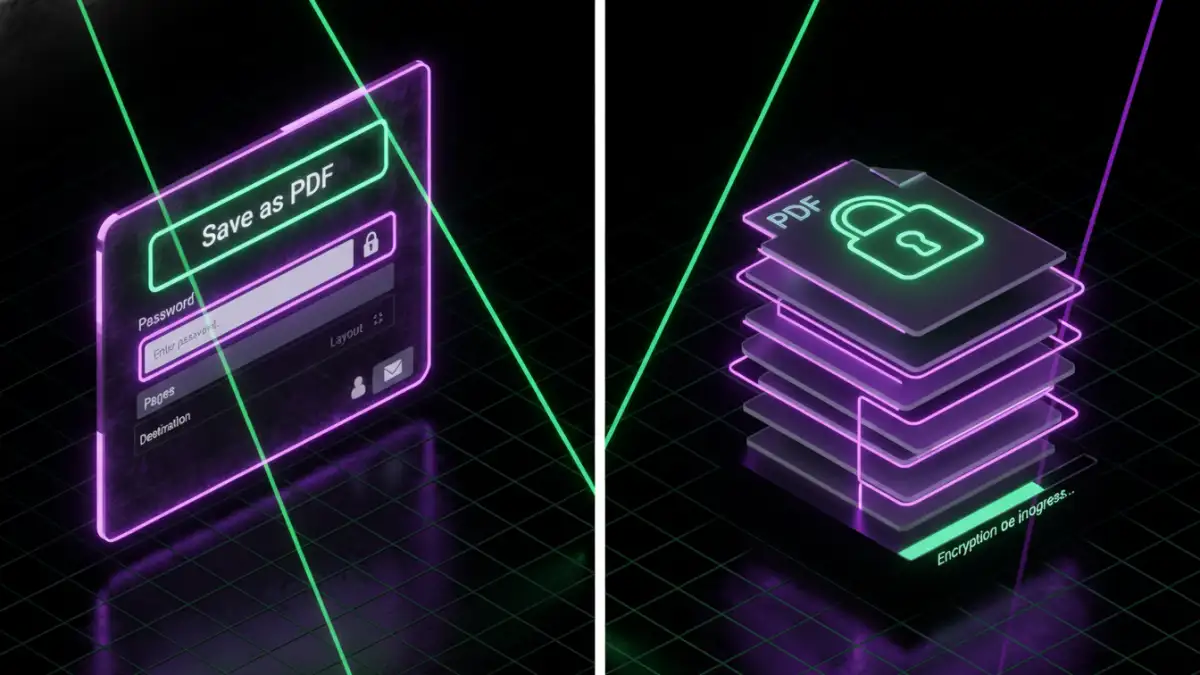
For the most robust control and features, professional PDF software like Adobe Acrobat Pro is excellent. You can import multiple images, arrange them into a beautiful digital album, and then apply strong encryption. During the saving process, you'll be prompted to set a password and define permissions, such as allowing only viewing, or preventing printing and copying. This gives you fine-grained control over how your photos are handled.
Browser-Based Methods for Basic Protection
For a quicker, simpler approach, you can often use your web browser's "Print to PDF" function. First, create a document (e.g., in Word or Google Docs) where you've embedded your photos. Then, instead of physically printing, select "Print to PDF" or "Save as PDF." Some advanced print dialogs, especially in modern browsers or OS features, allow you to add a password directly before saving. While this might offer less granular control than dedicated software, it's a quick way to create a password-protected file for secure photo sharing pdf without extra tools.
Best Practices for Wedding Photo Security
Beyond just encrypting the PDF, there are other considerations to ensure your wedding photos remain secure. Think about the entire lifecycle of the photo, from creation to sharing.
- Strong Passwords: Always use strong, unique passwords for your encrypted PDFs. Combine uppercase and lowercase letters, numbers, and symbols.
- Secure Password Delivery: Don't send the password in the same email or message as the PDF itself. Use a separate channel, like a text message or a phone call, to share the password.
- Educate Recipients: Briefly inform your recipients about the security measures and remind them not to share the password or the PDF with unintended parties.
- Backup Securely: Always keep secure backups of your original, unencrypted photos on an encrypted drive or a reputable cloud service with robust security.
My Personal Experience: A PDF Encryption Success Story
I distinctly remember helping a friend distribute his wedding photos a few years back. He was understandably concerned about privacy, especially with some candid shots. Instead of just sending a cloud link, I suggested we compile them into a high-quality PDF. We arranged the photos beautifully, added some captions, and then I applied strong encryption using an owner password that prevented printing and copying, and a user password for viewing. He then shared the PDF via email and sent the password through a separate messaging app.
The feedback was overwhelmingly positive. Guests appreciated the thoughtful security, and my friend had peace of mind knowing his cherished memories were protected. This real-world application truly demonstrated the value of proactive wedding photo security through PDF encryption, proving it to be a genuine pdf encryption success.
Comparison Table: PDF Encryption Methods
| Method | Pros | Cons | Best For |
|---|---|---|---|
| Adobe Acrobat Pro | Strongest encryption, granular permissions, professional quality | Costly, learning curve | High-stakes privacy, professional use |
| Online PDF Tools (e.g., Smallpdf, iLovePDF) | Easy to use, often free for basic tasks, fast | Privacy concerns (uploading files), limited features in free versions | Quick, one-off tasks, less sensitive content |
| Built-in OS/Browser "Print to PDF" | Free, no extra software, convenient | Limited encryption options, basic permissions only | Simple viewing protection, basic secure photo sharing pdf needs |
| Dedicated PDF Editors (e.g., Foxit, Nitro) | Good balance of features and cost, robust encryption | Still requires software installation | Regular use, advanced features without high cost |