
I recently helped a colleague who couldn't access an important encrypted file, only to discover it wasn't nearly as secure as they believed. They'd used a simple, common password, thinking it was enough to protect sensitive client data within a PDF. This scenario isn't uncommon, and it highlights a critical misunderstanding many people have about the true security of what they perceive as a secure document.
While a password protected PDF might seem like a robust solution for data protection, there are often hidden vulnerabilities and risks that can compromise your sensitive information. Understanding these nuances is crucial for any individual or organization handling confidential data.
Table of Contents
- Understanding the Illusion of Security
- Different Password Types and Their Implications
- Common Vulnerabilities and PDF Security Risks
- Weak Encryption and Brute-Force Attacks
- Metadata Exposure and Hidden Information
- Mitigating Unauthorized Access to Encrypted PDFs
- Best Practices for Robust File Access Control
Understanding the Illusion of Security
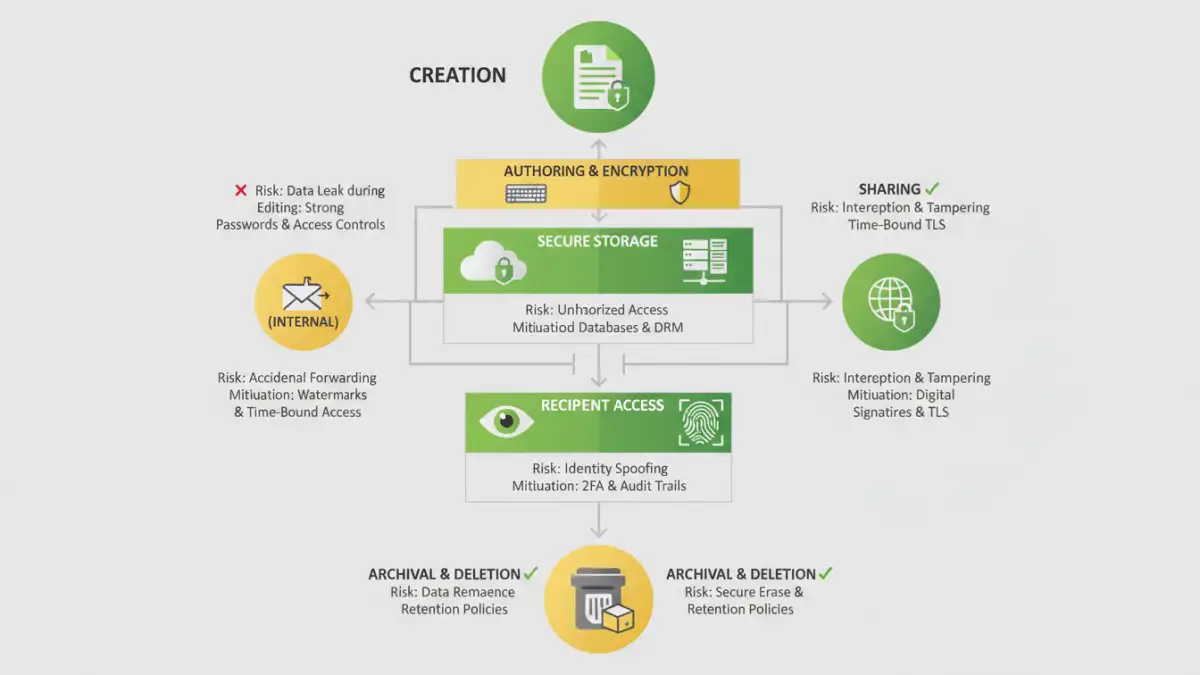
Many users assume that simply adding a password to a PDF file makes it impenetrable. The reality, however, is far more complex. The level of security provided by a password protected PDF depends heavily on several factors, including the strength of the password itself and the encryption methods used during its creation.
Just because a file prompts for a password doesn't mean it's truly secure against a determined attacker. It's a barrier, yes, but some barriers are far easier to breach than others. My experience has shown me that relying solely on a basic password without understanding the underlying mechanisms can lead to a false sense of security.
Different Password Types and Their Implications
PDFs typically support two types of passwords: a 'user password' and an 'owner password'. A user password restricts opening the document, while an owner password restricts permissions like printing, copying text, or editing. It's important to differentiate these because their security implications vary significantly.
An owner password, for instance, can often be removed relatively easily using various tools, as it primarily controls permissions rather than fundamental encryption. This means even if a document is password protected, its content might still be exposed if the owner password is weak or circumvented, posing significant pdf security risks.
Common Vulnerabilities and PDF Security Risks
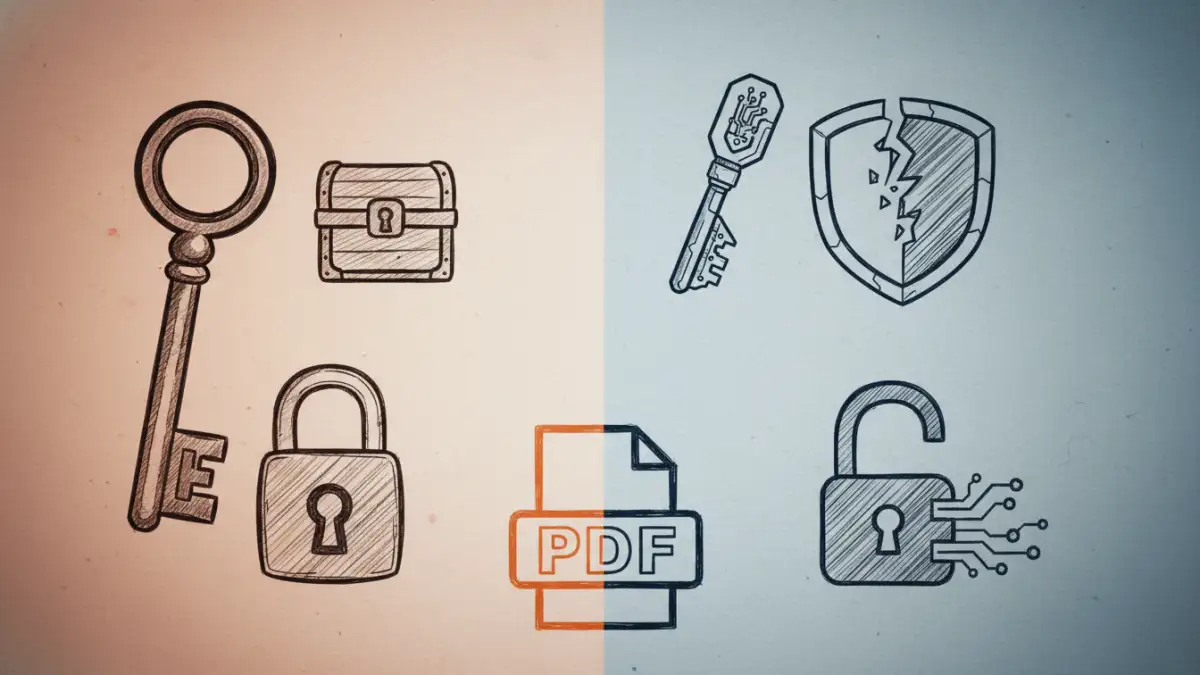
Beyond the basic password types, several inherent vulnerabilities can undermine the security of your PDF documents. These aren't always immediately obvious but can be exploited to gain unauthorized access to sensitive information.
From my perspective as a software engineer, these aren't just theoretical issues; I've seen them leveraged in real-world scenarios. Understanding these common pdf security risks is the first step toward effective protection.
Weak Encryption and Brute-Force Attacks
One of the most significant vulnerabilities lies in weak encryption algorithms or short, simple passwords. Older PDF versions (like 1.4 and earlier) often use 40-bit RC4 encryption, which is now considered obsolete and can be cracked in minutes or hours with readily available tools.
Even with stronger encryption, a weak password — like 'password123' or a common dictionary word — makes the file susceptible to brute-force or dictionary attacks. Attackers can rapidly try millions of combinations until the correct password is found, leading to unauthorized access despite the protection.
Metadata Exposure and Hidden Information
Even if the content of a password protected PDF is secure, the file itself might contain valuable metadata. This includes information like the author's name, creation date, software used, and even comments or revision history that were not properly removed.
Such metadata can provide clues to attackers, aiding in social engineering attempts or revealing sensitive internal details. This is an often-overlooked aspect of pdf security risks that can inadvertently expose an organization's internal workings.
Mitigating Unauthorized Access to Encrypted PDFs
To truly secure your sensitive documents, it's not enough to just add a password; you need a strategic approach to mitigation. This involves choosing the right tools, employing strong cryptographic practices, and educating users.
My work often involves implementing robust security measures, and for PDFs, this means moving beyond the basics. We need to ensure that the safeguards in place genuinely prevent unauthorized access.
Firstly, always use strong, unique passwords that are at least 12-16 characters long, combining uppercase and lowercase letters, numbers, and symbols. Secondly, ensure your PDF creation software uses modern encryption standards (like AES-256 bit). Many applications allow you to specify the encryption level, so make sure you're not defaulting to weaker, older standards.
Finally, consider using digital certificates for encryption, especially for highly sensitive documents. This method offers a higher level of security than password-based encryption alone, as it relies on public key infrastructure (PKI) for authentication and data integrity.
Best Practices for Robust File Access Control
Effective file access control goes beyond individual documents; it requires a comprehensive strategy. This includes how files are stored, shared, and managed throughout their lifecycle.
Implementing these practices helps create a layered defense, significantly reducing the likelihood of a security breach. It's about establishing a culture of security, not just applying a technical fix.
Always encrypt files before sharing them, even internally. Use secure file transfer protocols and platforms that offer end-to-end encryption. Regularly audit who has access to sensitive documents and revoke permissions when they are no longer needed. This proactive approach to file access control minimizes potential exposure points.
Furthermore, implement a robust password policy across your organization, encouraging the use of password managers. Educate your team about social engineering tactics and the importance of verifying sender identities before opening any attachments, even if they appear to be from a trusted source.
PDF Security Method Comparison
| Method | Security Level | Common Risks | Best Use Case |
|---|---|---|---|
| Simple User Password (Weak) | Low | Brute-force attacks, easy cracking | Non-sensitive internal sharing, casual use |
| Strong User Password (Modern Encryption) | Medium to High | Social engineering, password reuse | Sensitive documents requiring password sharing |
| Owner Password (Permissions) | Low (for content security) | Easily removed by tools, content exposure | Restricting printing/editing, not core security |
| Digital Certificate Encryption | Very High | Key management, certificate expiration | Highly confidential legal/financial documents |