Working with large datasets often means dealing with archives split into multiple parts. Whether it's for easier transfer, storage, or organization, these segmented files require specific attention when it comes to security. Ensuring that these archives, especially when containing sensitive information, are properly protected is paramount in preventing data breaches and maintaining confidentiality.
From personal backups to corporate data repositories, the need for robust archive file protection is universal. This involves understanding the inherent vulnerabilities of multi-part archives and implementing strategies that safeguard them effectively. Let's explore how to achieve comprehensive document security in this context.
Table of Contents
Understanding Archive File Types and Security Needs
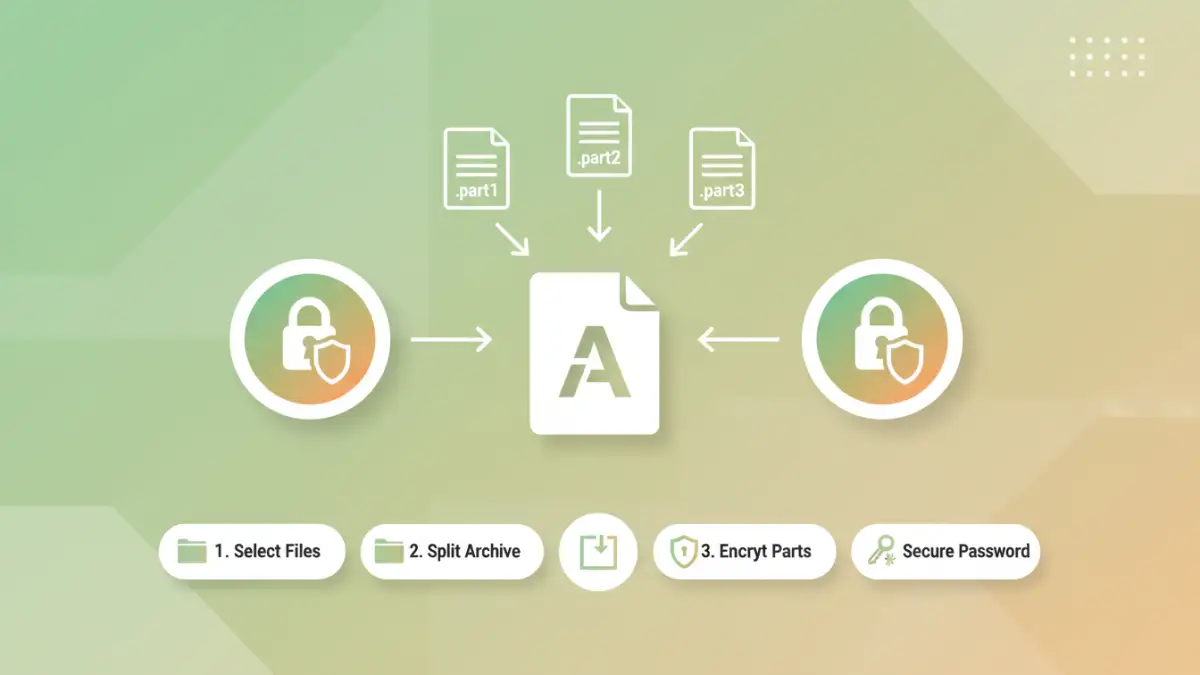
Archives like ZIP, RAR, and 7z are commonly used to compress and bundle multiple files into a single entity. When these archives become too large for a single file, they are often split into smaller, manageable parts, typically denoted by extensions like .part1.rar, .part2.rar, or .zip.001, .zip.002. Each part is usually dependent on the others to reconstruct the original archive.
Specific Challenges
The primary challenge with multi-part archives is that while the overall archive might be secured, individual parts might not be as readily protected. If not handled correctly during creation or extraction, sensitive data could be exposed. Ensuring the integrity and confidentiality of all parts is crucial for effective multi part file security.
Encryption Methods for Archives
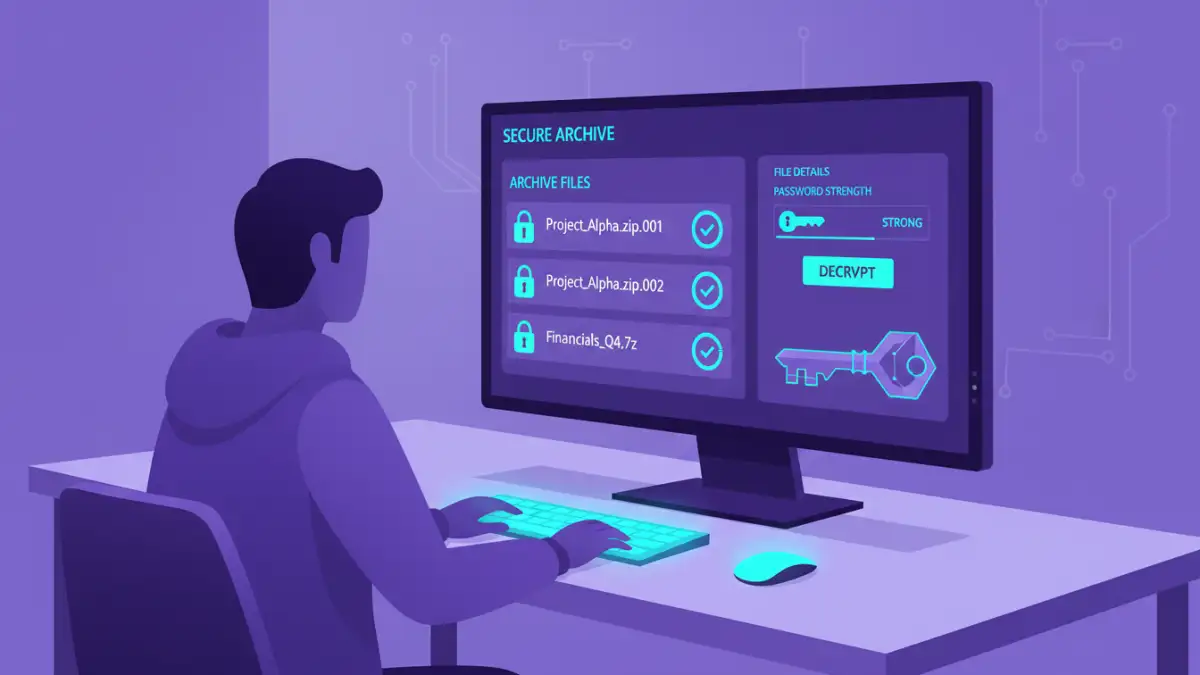
The most effective way to protect archive files is through encryption. This process scrambles the data, making it unreadable without a decryption key or password. Modern archiving tools offer various encryption algorithms, such as AES-256, which is considered highly secure and widely adopted across industries.
Choosing the Right Algorithm
When creating or securing multi-part archives, selecting a strong encryption algorithm is the first step. AES-256 provides a robust level of security, capable of protecting even the most sensitive data. It's important to ensure that the software used supports strong encryption and that it's applied consistently across all parts of the archive.
Leveraging Password Protection
Password protection is a fundamental aspect of archive file protection. A strong, unique password acts as the key to unlocking and decrypting the archive. Without the correct password, the contents remain inaccessible, providing a significant barrier against unauthorized users.
Creating Strong Passwords
When setting a password for your archives, aim for complexity and length. Avoid common words, personal information, or simple patterns. A combination of uppercase and lowercase letters, numbers, and symbols, at least 12-16 characters long, significantly enhances security. Consider using a password manager to generate and store these complex passwords securely.
Best Practices for Secure Archive Management
Beyond encryption and strong passwords, several best practices contribute to overall secure archive management. This includes regularly updating archiving software, being cautious about the source of downloaded archives, and implementing access controls for sensitive data.
Regular Auditing and Updates
Keep your archiving software up-to-date to benefit from the latest security patches and features. Regularly audit your archives to ensure they are still protected and that access is limited to authorized personnel. Implementing a clear policy for archive creation, naming conventions, and disposal also strengthens your document security posture.
Comparison Table
| Method | Encryption Strength | Ease of Use | Security Features | Best For |
|---|---|---|---|---|
| Built-in Archiving Software (e.g., WinRAR, 7-Zip) | AES-256 (Strong) | Moderate (requires software installation) | Password protection, multi-part splitting, AES encryption | General users, moderate to high security needs |
| Online Archiving Tools | Varies (often AES-256 available) | High (browser-based) | Password protection, encryption (check specifics) | Quick tasks, users without installed software, lower sensitivity data |
| Dedicated Encryption Software | AES-256, Twofish, etc. (Very Strong) | Moderate (requires software installation and learning) | Advanced encryption, secure deletion, container creation | Highly sensitive data, enterprise-level security |
Extra tips before you try to multi part file security
First, confirm what kind of protection you are dealing with. Some PDFs require a password to open (user password), while others only restrict printing/copying/editing (owner password). The safest approach depends on which one you have.
For sensitive documents, prefer offline tools and avoid uploading confidential files to unknown websites. If you must use an online tool, read the privacy policy and delete uploaded files immediately after processing.
- Try a different PDF viewer (some apps cache old permissions)
- Re-download the file (corruption can cause false password errors)
- Check caps lock / keyboard layout for password entry
- Differentiate “permission password” vs “open password” prompts
- If it is not your file, request access from the owner