When you need to send a collection of important files, especially if they're large, simply attaching them to an email often isn't an option. Beyond the size limits, you also need to consider how to keep that bundle secure. I've found that the most robust solution involves creating multi-part archives, which not only break down large files into manageable chunks but also allow for strong encryption.
This method is particularly useful when dealing with sensitive project documents, legal paperwork, or any data that requires a high degree of privacy during transit. It ensures that even if the data is intercepted, it remains unreadable without the correct password and decryption key. It’s a technique that has served me well in ensuring data integrity and confidentiality for clients and colleagues alike.
Table of Contents
Understanding Multi-Part Archives
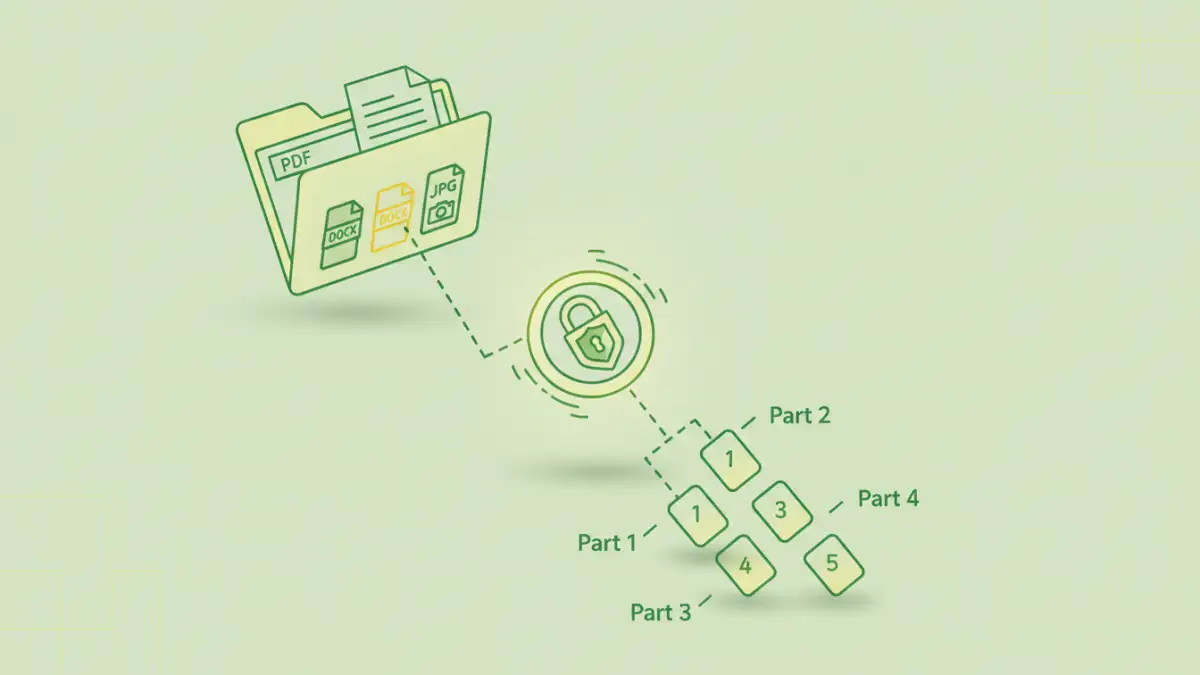
A multi-part archive is essentially a single, large archive file that has been split into multiple smaller files, often referred to as 'parts' or 'volumes'. This is incredibly useful for large file transfer scenarios, as it helps overcome email attachment size limitations and makes the files easier to manage and transfer. Think of it like breaking a big book into several smaller booklets; each booklet is easier to handle, but together they form the complete book.
The Role of Compression and Encryption
When creating these archives, compression algorithms are typically used to reduce the overall file size. This is beneficial for faster transfers and reduced storage needs. More importantly for our purpose, most archiving tools also support strong encryption methods, like AES-256. This means you can password-protect the entire archive, ensuring that only someone with the correct password can extract the original files.
Creating Secure Multi-Part Archives
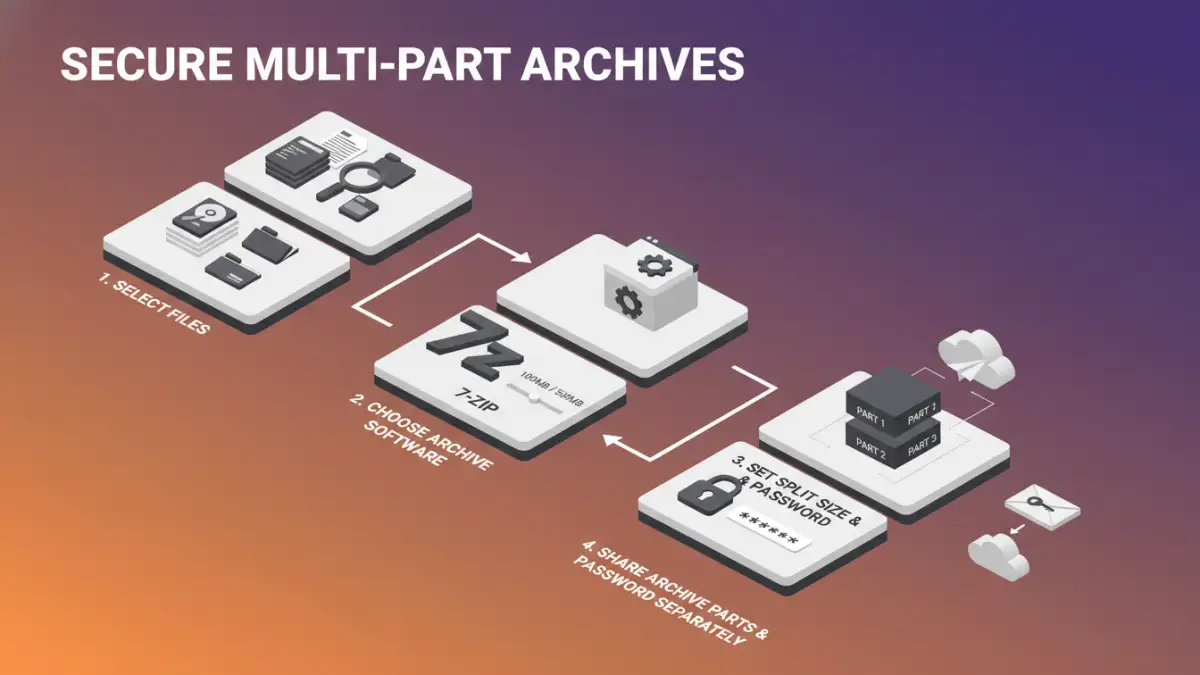
Creating these archives is straightforward with modern archiving software. The process involves selecting your files, choosing your archiving tool, and then configuring the settings for splitting and encryption. I've used various tools over the years, but common ones like 7-Zip, WinRAR, and even built-in tools in some operating systems offer these capabilities.
Step-by-Step Guide with 7-Zip
Let's walk through creating a secure multi-part archive using 7-Zip, a popular and free option. First, download and install 7-Zip if you haven't already. Then, select all the documents you want to bundle. Right-click on the selected files, navigate to '7-Zip', and choose 'Add to archive...'.
In the dialog box that appears, you'll see several options. Under 'Archive format', you can choose between '7z' or 'zip'. '7z' generally offers better compression. Crucially, look for the 'Split to volumes, bytes:' option. Here, you can select common sizes like '100 MB', '500 MB', or enter a custom size to break your archive into manageable parts. Below this, you'll find the 'Enter password:' and 'Reenter password:' fields. Type a strong, unique password here and select an encryption method (AES-256 is recommended). Finally, click 'OK' to create the archive. You'll end up with a set of files like 'archive.7z.001', 'archive.7z.002', and so on.
Secure Sharing Strategies
Once your encrypted multi-part archive is created, the next step is to share it securely. Simply emailing the parts might still be problematic due to size, and it doesn't add an extra layer of security. A better approach is to use cloud storage services or dedicated large file transfer platforms.
When using cloud storage like Google Drive, Dropbox, or OneDrive, you can upload all the parts of your archive. Then, generate a shareable link. The key here is to communicate the password separately and securely. Never send the password in the same email or message as the file link. You might use an encrypted messaging app, a separate email, or even a phone call to convey the password.
For very large bundles or when dealing with highly sensitive data, consider using specialized secure file transfer services. Many of these platforms offer end-to-end encryption and robust security features, making them ideal for professional secure document sharing needs.
Best Practices for Security and Usability
To ensure your shared documents are both accessible to the intended recipient and secure from unauthorized access, follow these best practices. Always use strong, unique passwords for your archives. A combination of upper and lowercase letters, numbers, and symbols significantly increases security. Avoid common words or easily guessable information.
Communicate the password separately from the file. This is paramount. A secure channel for password transmission, like an encrypted chat or a phone call, prevents the password from being compromised if the email containing the link is intercepted. Inform the recipient which files they should expect and the naming convention of the archive parts so they can verify they have received everything.
Finally, consider the recipient's technical ability. Ensure they have the necessary software (like 7-Zip) installed to open and extract the multi-part archive. Providing a link to download the free software can be very helpful. For extra peace of mind, set the archive to self-destruct or expire after a certain period if your chosen sharing platform supports it.
Comparison Table: Archiving and Sharing Methods
| Method | Pros | Cons | Best For |
|---|---|---|---|
| Email Attachments | Simple, widely accessible | Strict size limits, no encryption by default | Very small, non-sensitive files |
| Cloud Storage + Link | Handles large files, accessible anywhere | Requires password sharing separately, potential privacy concerns with provider | Medium to large files, general collaboration |
| Dedicated File Transfer Services | High security, large file support, tracking | Can be costly, may require recipient signup | Sensitive data, large project bundles, business use |
| Multi-Part Archives (Encrypted) | Breaks large files, strong encryption, versatile | Requires recipient software, password must be shared securely | Large document bundles, sensitive information, overcoming size limits |